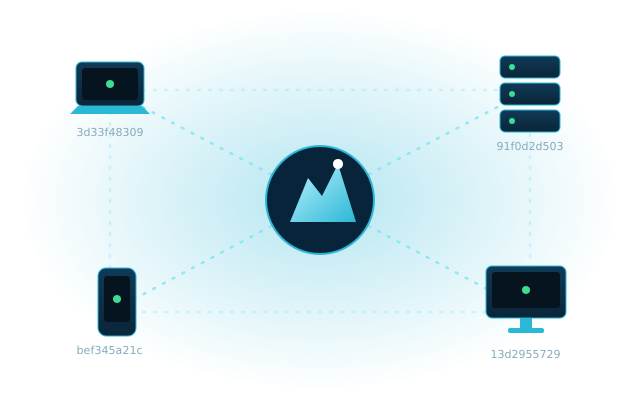
Your devices, one private network.
Link laptops, servers and offices as if they were plugged into the same switch. Direct, encrypted, and managed from one simple dashboard.
Free to start · Mac · Windows · Linux
Link laptops, servers and offices as if they were plugged into the same switch. Direct, encrypted, and managed from one simple dashboard.
Sign in to the dashboard and create a network. You get a 16-character network ID.
Install the app on each device, paste the ID and click Join.
Approve each device in the dashboard. It gets a private IP and can reach all the others.
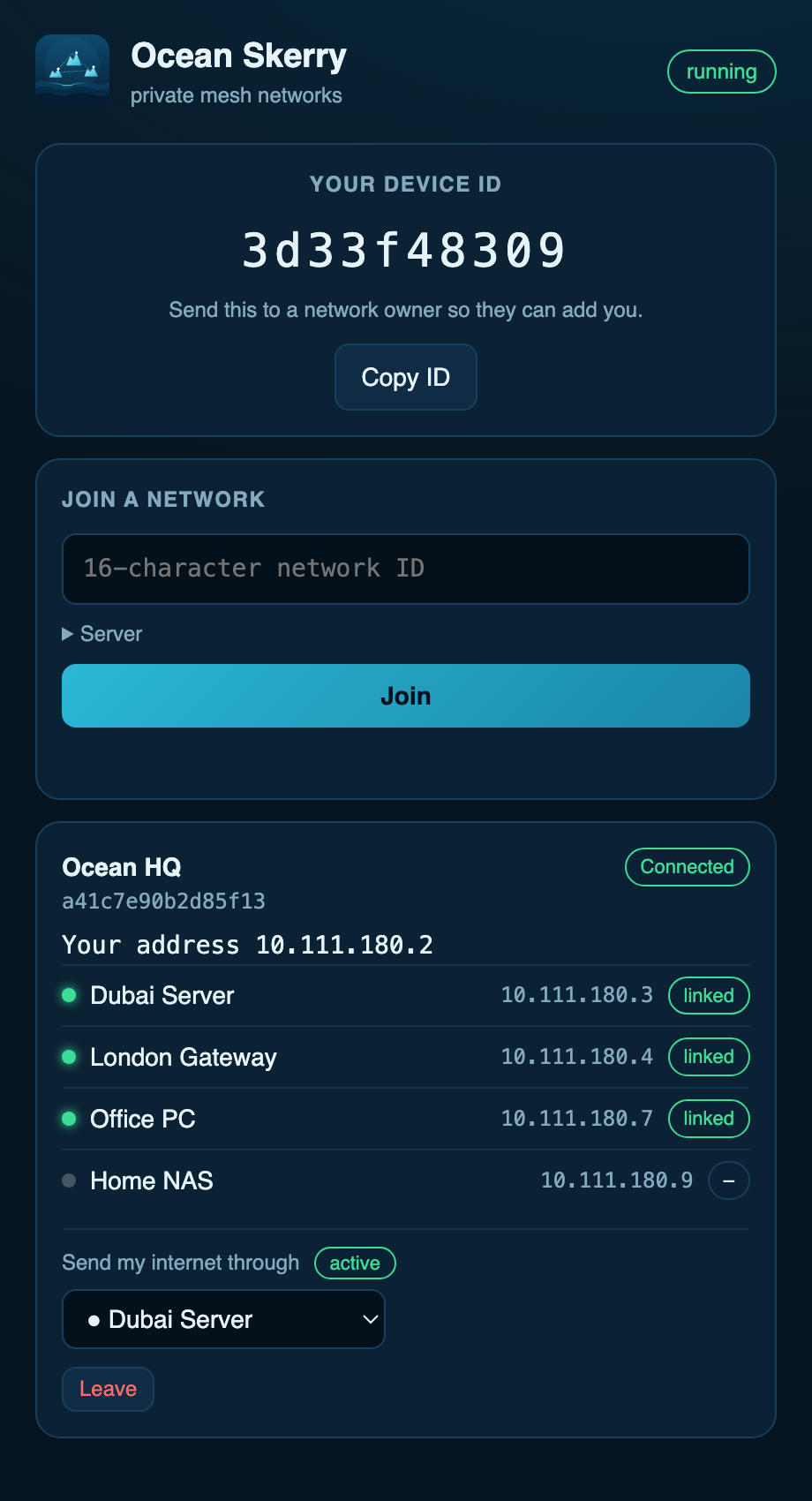
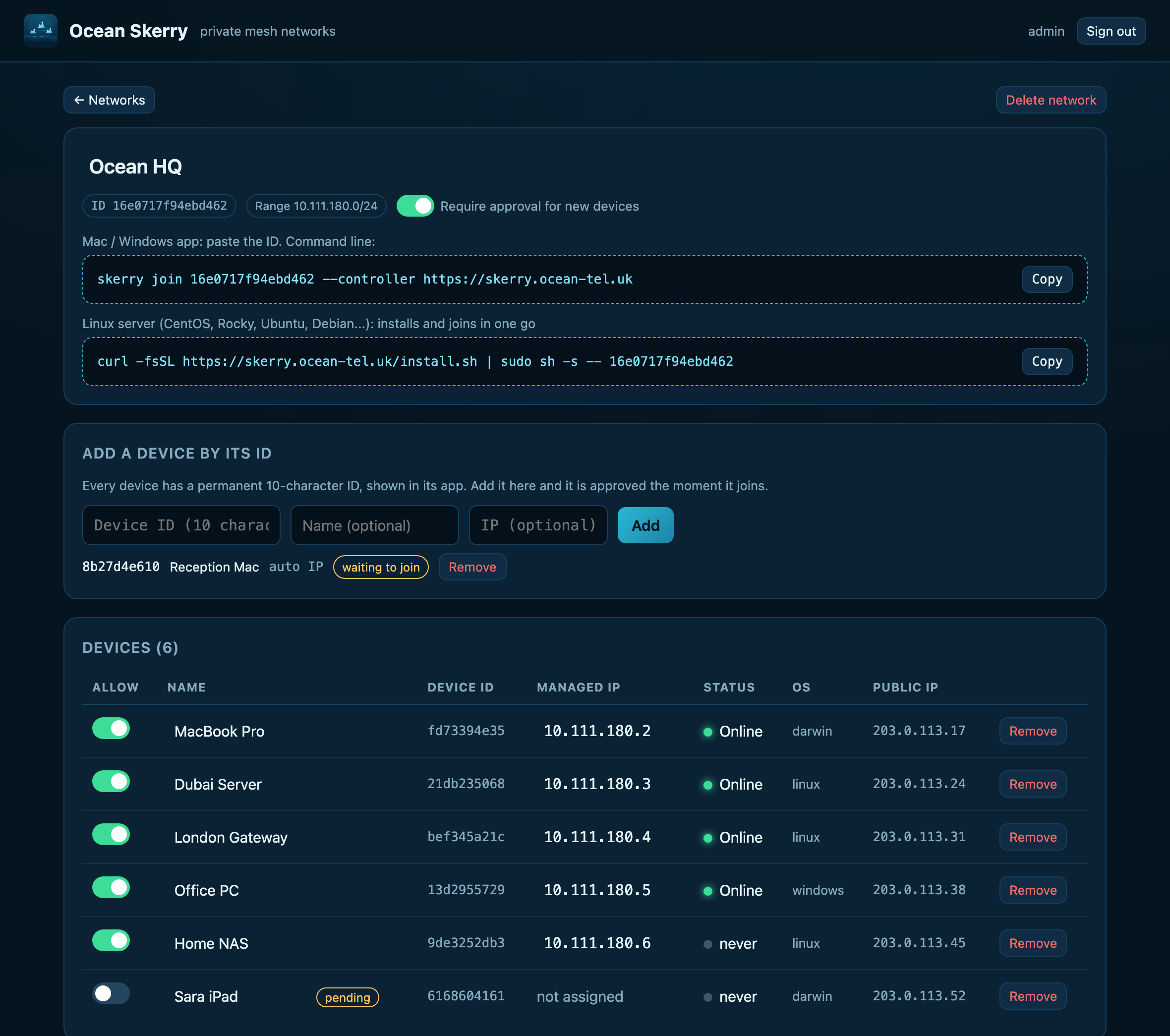
Every device gets its own permanent ID. Add it to a network from the dashboard, even before it joins.
curl -fsSL https://skerry.ocean-tel.uk/install.sh | sudo sh -s -- <network-id>